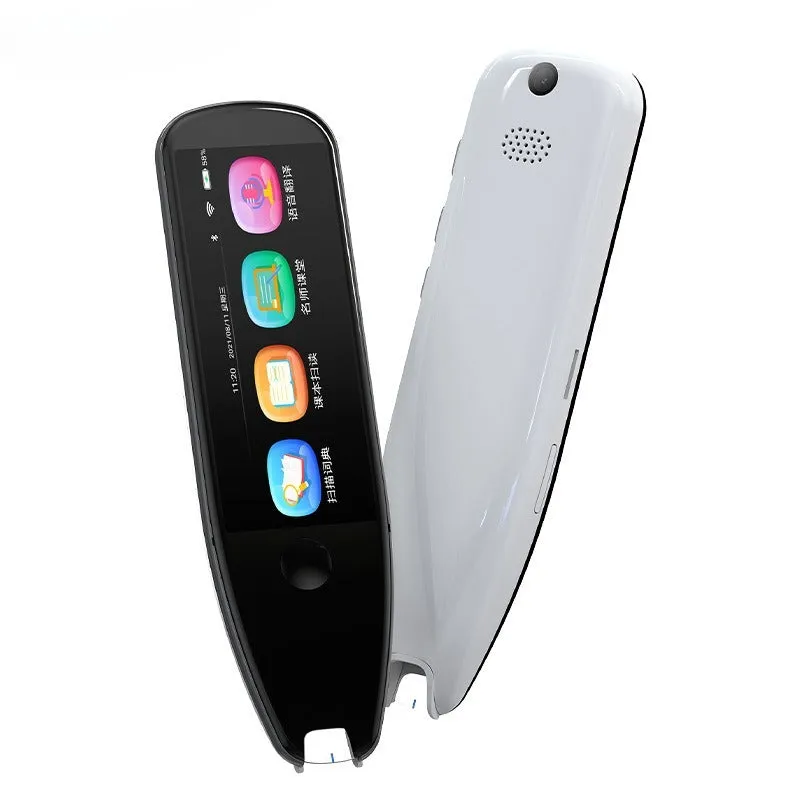
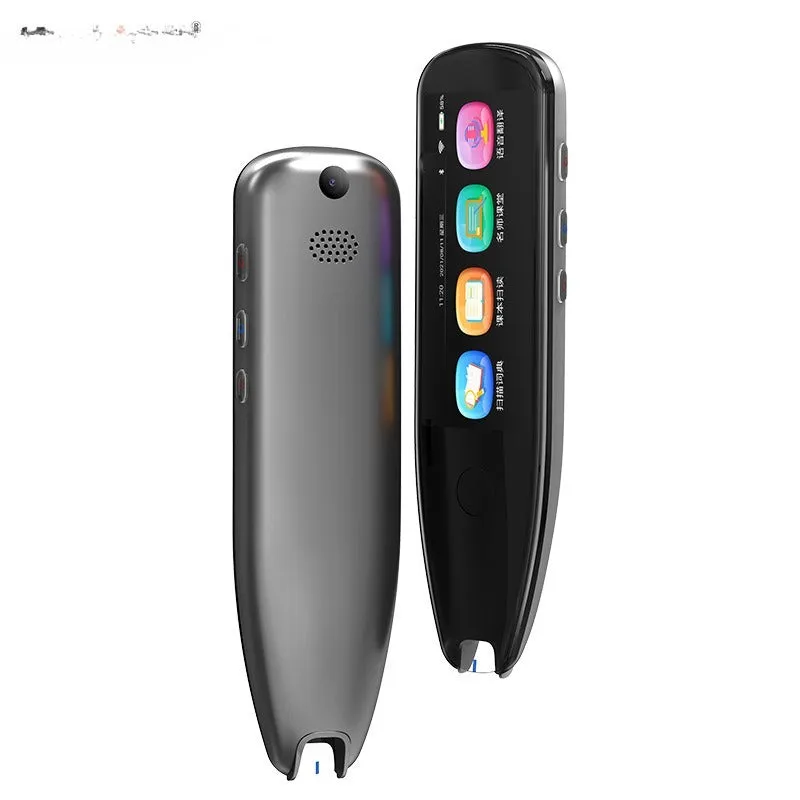
X5PRO Smart 35-Inch Large Screen Scanning Translation Pen with Button, Scan, Touch Screen, and Take Photo Functions in Black or White
X5PRO Smart 35-Inch Large Screen Scanning Translation Pen for Instant Text Translation
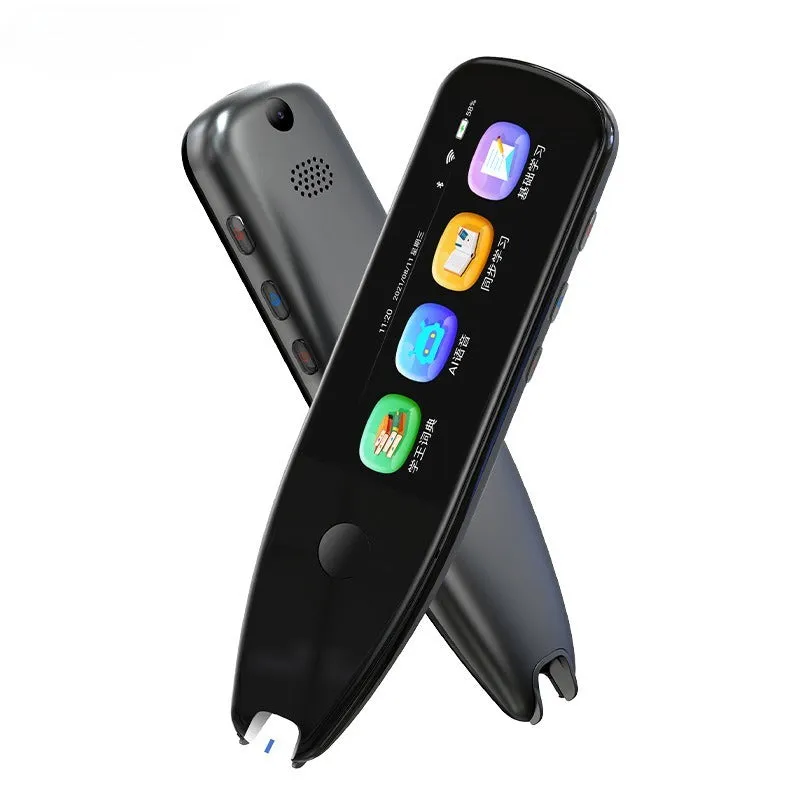
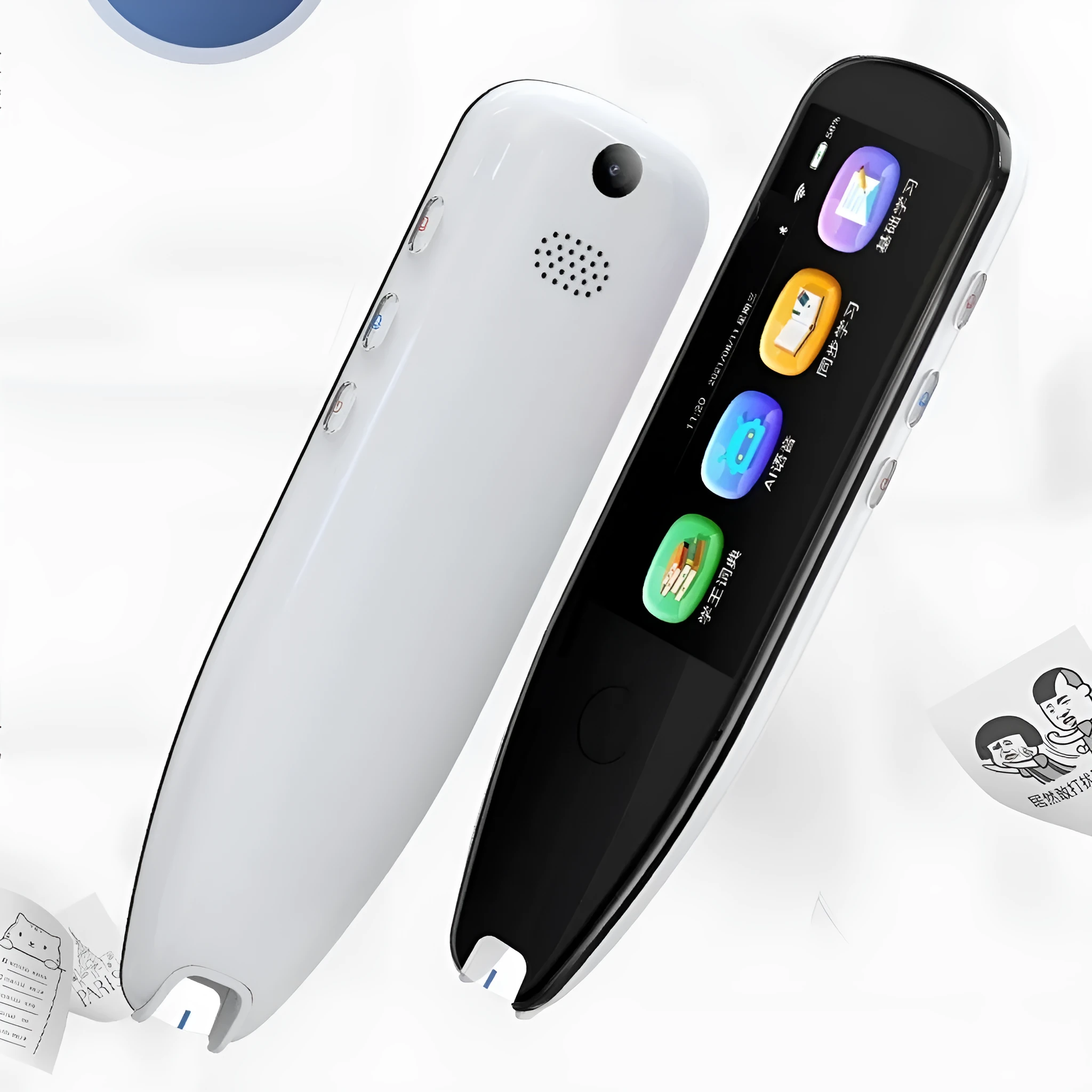
This scanning translation pen offers a straightforward way to read and understand foreign language text from printed materials. Instead of typing each word or relying on a smartphone, you can scan the page with the pen and see the translation on the large 35-inch screen. It also supports taking photos of text for translation, which adds flexibility in how you capture content. The device is designed for students, travellers, and anyone who regularly encounters multilingual documents, signs, or labels. With its compact size and dual colour options, it fits easily into a bag or pocket for everyday carry.
Features and Construction
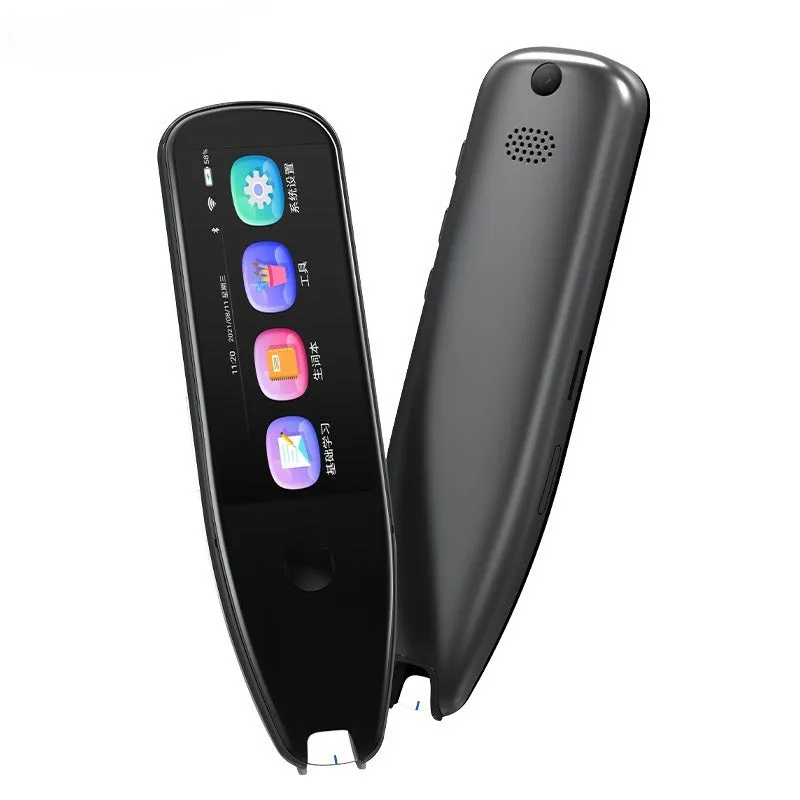
The pen combines several operation methods to cover different scanning needs, from simple line-by-line text capture to photo-based translation. Its build uses materials that keep it lightweight while protecting the internal components.
Material and Build
Made from ABS plastic with a metal button, the pen has a sturdy yet lightweight feel. ABS is a common engineering plastic that resists impact and everyday wear, while the metal button provides a positive click when scanning. The 35-inch screen dominates the front, giving you ample space to read translated text clearly.
Size and Practical Fit
At 147.5 mm long, 48 mm wide, and 13.5 mm thick, the pen is slim enough to hold comfortably and slips into a pencil case or laptop bag. The dimensions are suited for single-handed operation, whether you are scanning a line of text or using the touch screen to select a menu option.
Uses and Placement
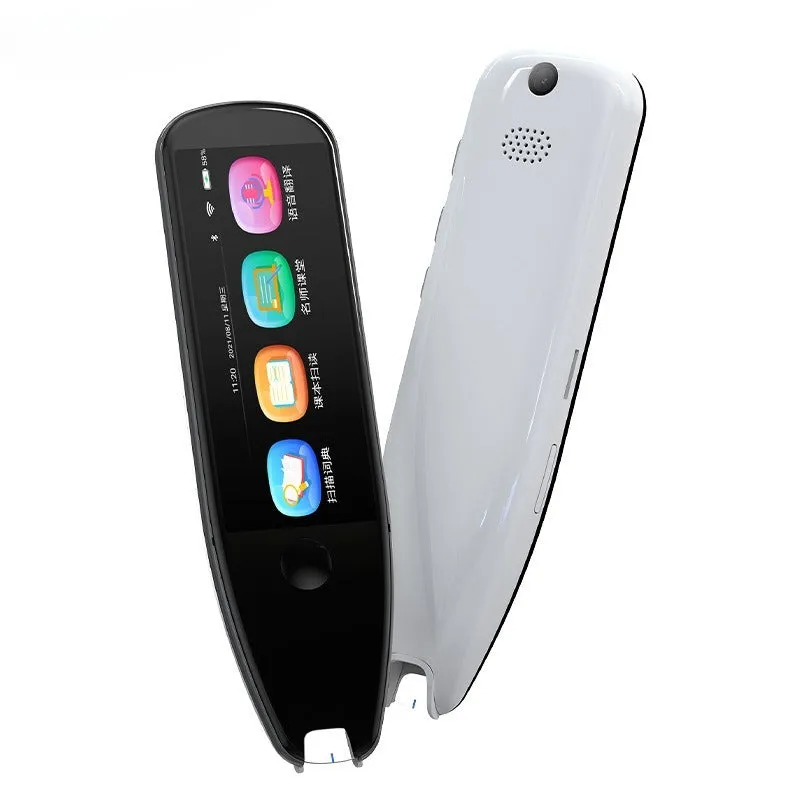
This translation pen addresses common scenarios where printed text in an unfamiliar language creates a barrier. Its scanning and photo translation modes mean you can handle signs, menus, instruction manuals, or textbooks without needing an internet connection for the capture step itself.
Event or Professional Use
At conferences, trade shows, or international meetings, you can quickly scan name badges, brochures, or presentation handouts to understand key terms in real time. The photo translation function also lets you capture and translate sections of multi-language documents without retyping.
Everyday Home Use
For reading foreign-language news articles, recipes, or product packaging at home, the pen reduces the time spent looking up individual words. The large screen means you can view longer translated passages without excessive scrolling, which is useful for studying or following instructions in a different language.
Benefits and Buying Value
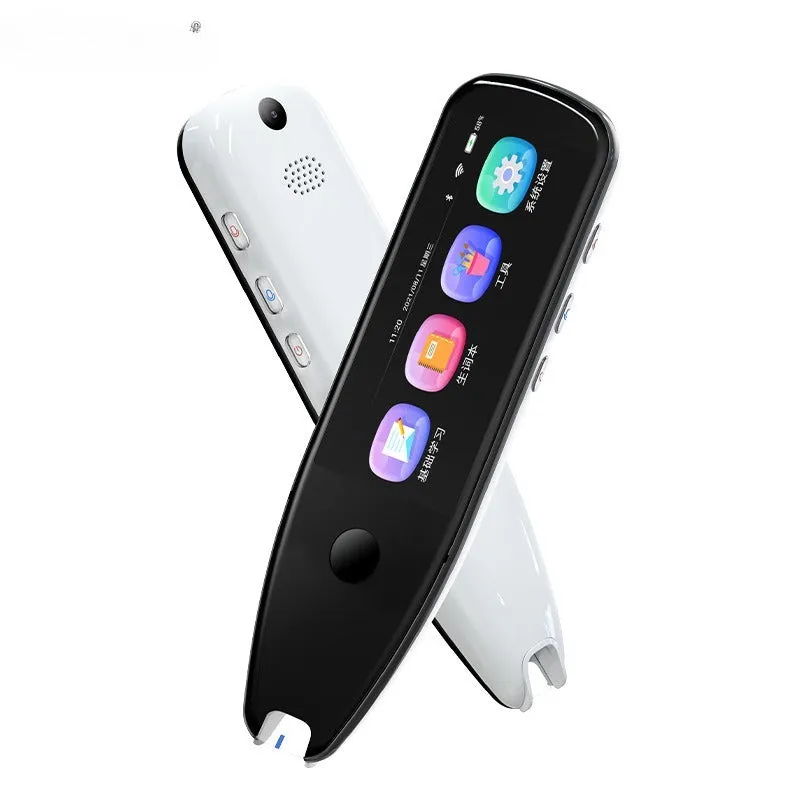
The pen is built around core functions that directly reduce the effort of understanding printed foreign text. Its multiple operation modes give you choice depending on the format of the source material.
Reuse and Low Maintenance
The rechargeable battery lasts through multiple sessions, and the included charging cable makes it easy to top up between uses. No consumable parts like ink or paper are needed, so the pen remains ready each time you need to scan or translate.
Why Choose This Product
If you regularly work with printed multilingual content and want a standalone tool that does not rely on a smartphone app, this pen provides a focused solution. The combination of a large screen, scan and photo capture, and two colour options makes it a straightforward choice for portable text translation.