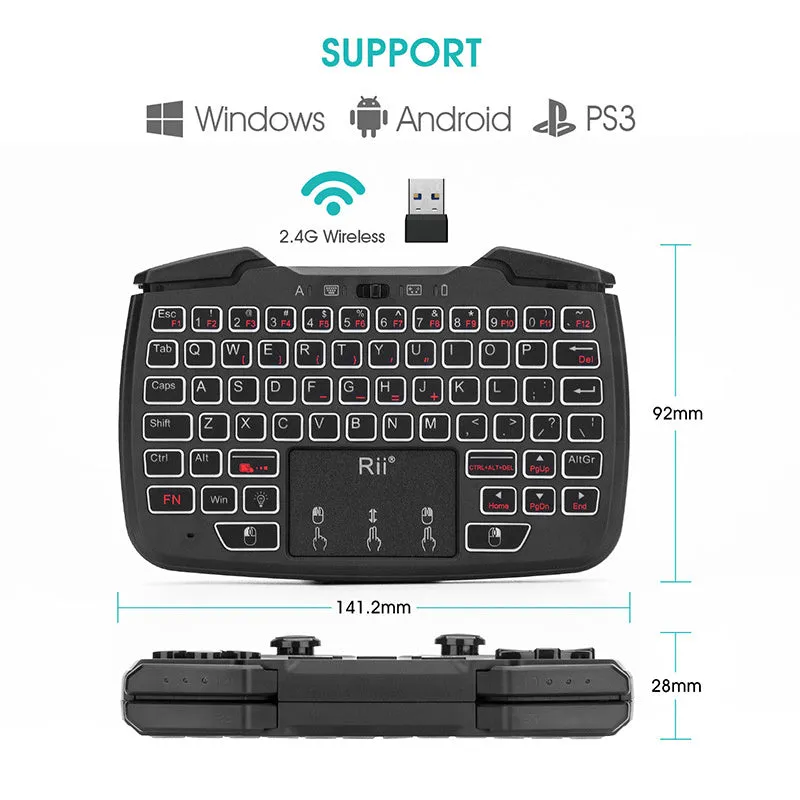
Wireless Mini Keyboard USB Connection Black Ergonomic Support Compact Multimedia-Free Design for Home Office and Everyday Typing


Wireless Mini Keyboard USB Connection Black Ergonomic Support Compact Multimedia-Free Design for Home Office and Everyday Typing
Wireless Mini Keyboard with USB Connection and Ergonomic Support in Black

This wireless mini keyboard is a compact input device designed for users who want a straightforward typing solution without extra multimedia controls. It connects wirelessly via a USB interface, which keeps the setup simple and reduces cable clutter on the desk. The black colour gives it a neutral, understated look that suits most home or office environments. Ergonomic support is included, which may help maintain a more natural wrist position during use. The keyboard is described as having no multimedia function keys, so the layout stays focused on standard typing tasks. It is suitable for everyday use where a smaller footprint is preferred, such as tight desk spaces or secondary workstations. No specific dimensions, weight, or battery life details are provided in the source information, so buyers should consider the compact mini format as the main size indicator.
Features and Construction
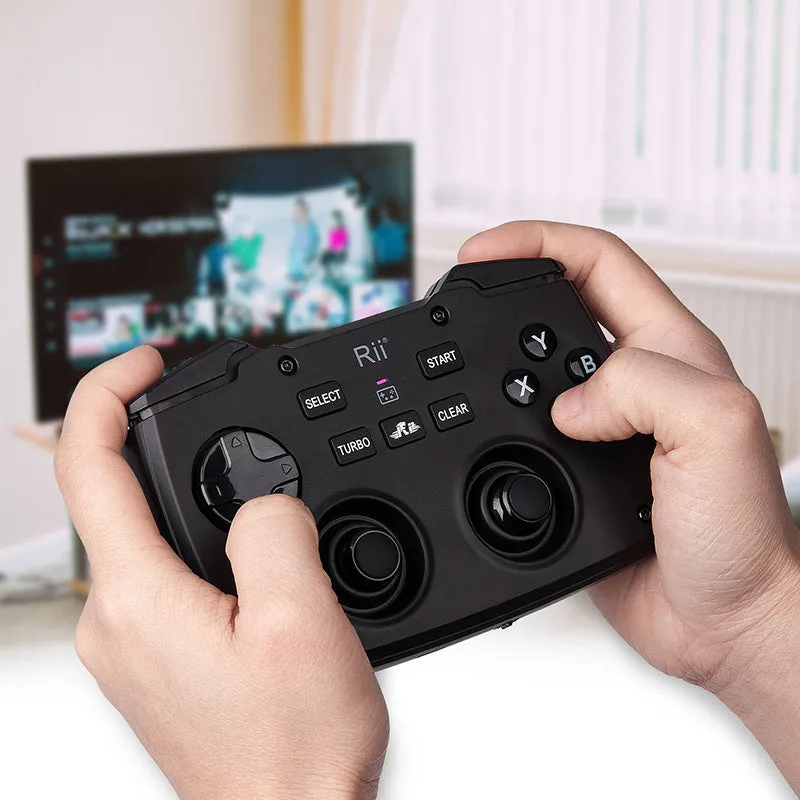
The keyboard uses a wireless connection method and a USB interface for its receiver or pairing. It is available in black and includes ergonomic support. No material details are given in the source text, so the construction is described only by these functional attributes.
Material and Build
The source text does not specify the materials used in this keyboard. What is known is that it is a mini keyboard with wireless connectivity and a USB interface. The black colour applies to the unit. Ergonomic support is listed as a feature, which suggests the design considers wrist comfort, but no further construction details are provided. Without material data, no claims about durability or texture can be made. Buyers should rely on the stated features: wireless operation, USB interface, black colour, and ergonomic support.
Size and Practical Fit
As a mini keyboard, it is smaller than a full-size model, which can free up desk space. No exact dimensions or weight are provided in the source information. This compact format may suit small desks, laptop setups, or media centres where a full keyboard would be too large. The wireless connection via USB helps reduce cable clutter. The absence of multimedia keys means the layout is simpler, which may appeal to users who prefer fewer buttons. The ergonomic support feature is included, but its specific design is not detailed. Overall, the practical fit is best judged by the mini description and the user's own space requirements.
Uses and Placement
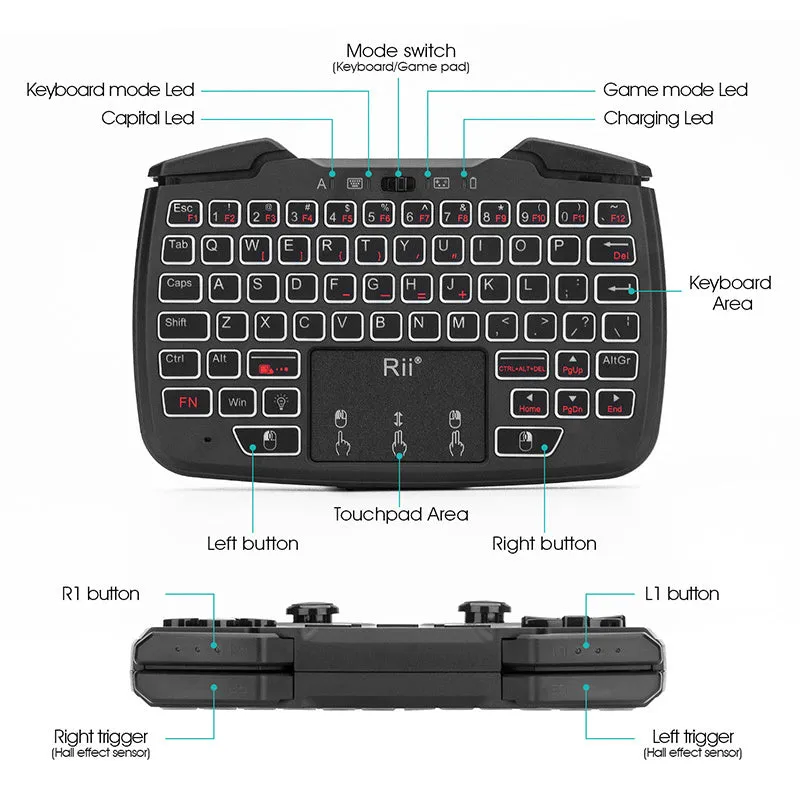
This keyboard can be used in various settings where a compact wireless input device is useful. Its black colour and simple feature set make it adaptable to different environments. The lack of multimedia keys keeps the focus on typing.
Event or Professional Use
In a professional context, this wireless mini keyboard could serve as a secondary input device for presentations, kiosks, or temporary workstations. The USB interface allows for quick connection to compatible computers. The black colour looks professional in most office settings. Ergonomic support may help during periods of extended typing, though no specific ergonomic certifications are claimed. The absence of multimedia keys means less risk of accidental media control presses during work. It is not described as having backlighting or programmable keys, so it is best suited to basic typing tasks. For event use, the compact size makes it easy to store and transport, but no carry case is mentioned.
Everyday Home Use
At home, this keyboard can be used with a desktop PC, laptop, or smart TV that supports USB wireless input. The mini size helps keep a living room or small home office tidy. The black colour blends with most decor. Ergonomic support is a plus for daily typing, though the exact design is not specified. Since there are no multimedia keys, users who rely on volume or playback shortcuts may need to use on-screen controls instead. The wireless connection via USB means no Bluetooth pairing is described, so a free USB port is required. No battery type or charging method is given in the source text.
Benefits and Buying Value
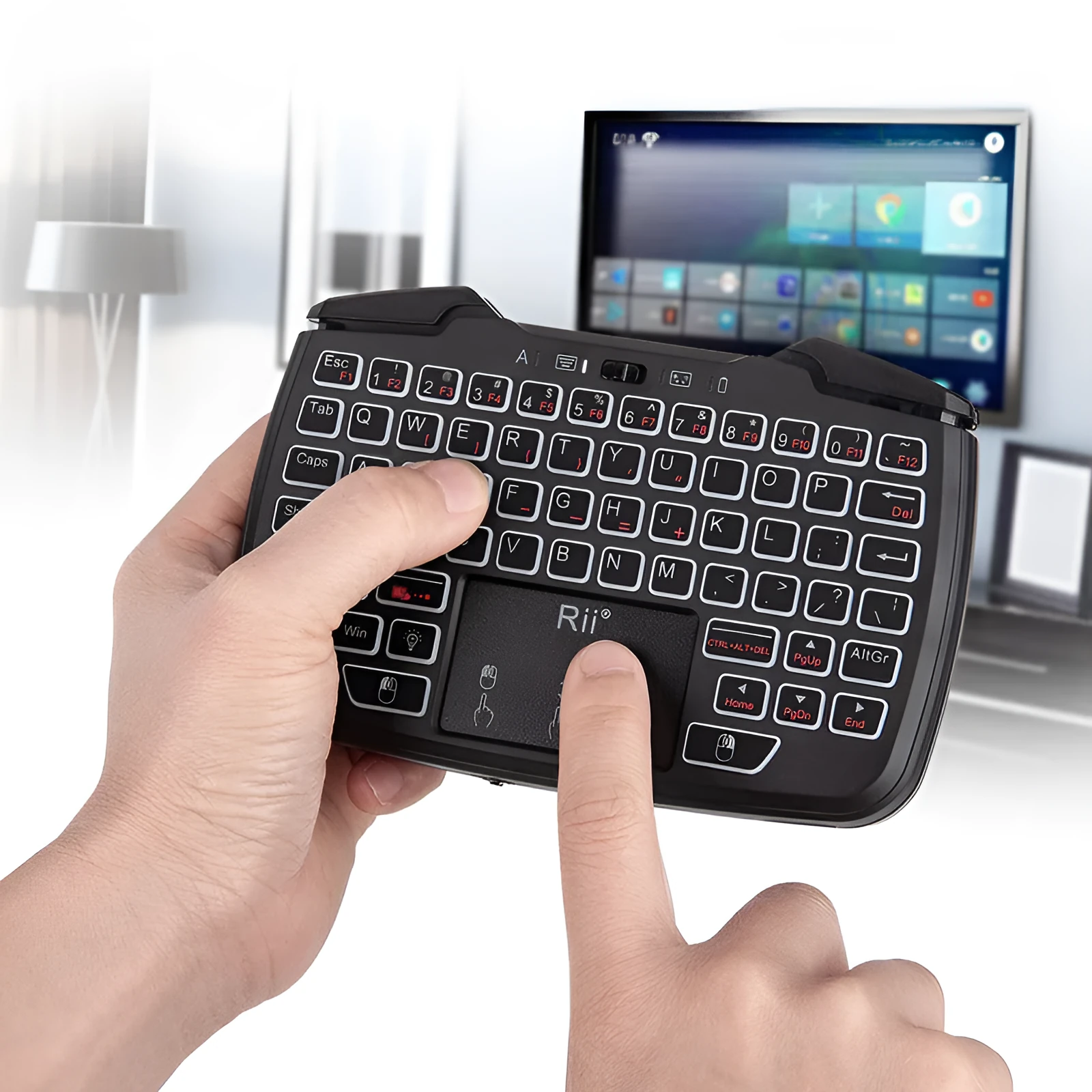
The main benefits come from its compact size, wireless operation, and simple layout. It avoids unnecessary features and focuses on basic typing.
Reuse and Low Maintenance
No specific maintenance instructions are provided in the source text. As with most keyboards, keeping it clean and dry is advisable. The black colour may show less visible dirt than lighter colours. The absence of multimedia keys means fewer moving parts or extra buttons to wear out. However, no material or lifespan claims can be made. The wireless USB connection may require a free port, and no rechargeable battery details are given. Buyers should follow general care for electronic devices, such as wiping with a dry cloth and avoiding liquids.
Why Choose This Product
This keyboard is a practical choice for anyone needing a small, wireless keyboard with a USB interface and ergonomic support. It is black, has no multimedia function keys, and is described as a mini keyboard. It does not come with extra features like backlighting or programmable buttons. The value lies in its simplicity and compact footprint. It is suitable for basic typing tasks in home or office settings. No price or savings information is provided, so value should be assessed against the stated features. For users who want a no-frills wireless mini keyboard, this model matches those requirements.